Free AI Watermark Remover Online
Remove watermarks from your images instantly with AI-powered precision. No design skills needed.


Fast processing, good quality
AI-enhanced, best quality
Drag and drop your image here
or click to browse
Supports JPG, PNG, WEBP • Max 10MB
Free AI Watermark Remover: Remove Any Watermark from Images Online
Found the perfect image but it's ruined by a logo, text, or timestamp? Don't let unwanted overlays derail your project. Our AI Watermark Remover is the ultimate solution to clean up your visuals instantly. Whether it's a product photo, a stock image, or a social media post, our watermark remover restores your image to its original glory without requiring any design skills.
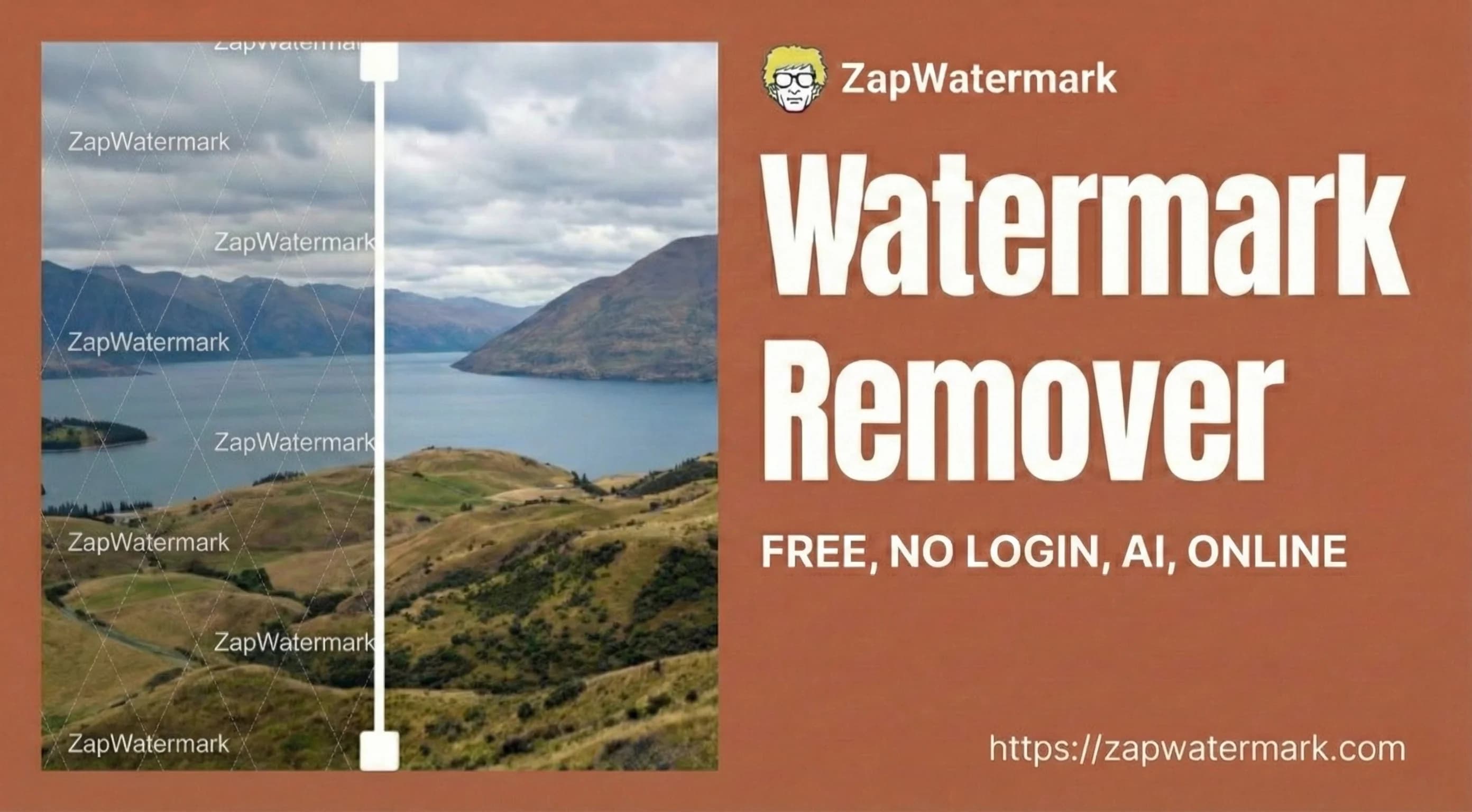
What Is a Watermark Remover and Why Do You Need One?
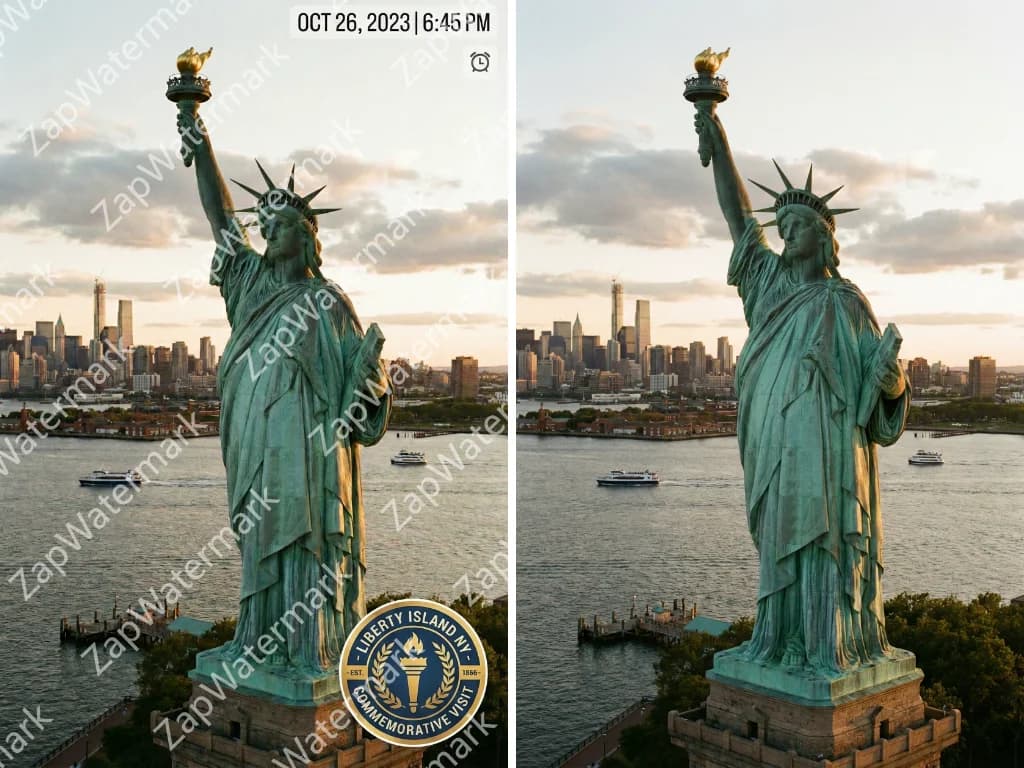
Understanding Watermarks and Their Purpose
Watermarks—like logos, text overlays, timestamps, or social badges—are used to claim ownership. While essential for copyright, they often obstruct legitimate use, such as cleaning up your own archives or preparing licensed supplier images for e-commerce. Our watermark remover helps you reclaim your visual content by erasing these distractions cleanly and effectively.
Traditional Methods vs AI-Powered Watermark Removal
Forget complex Photoshop tools like the Clone Stamp that take hours to master. Cropping loses image data, and blurring looks unprofessional. AI watermark remover technology changes the game. It detects the unwanted area and intelligently reconstructs the background pixels in seconds, delivering professional results that manual editing struggles to achieve.

Who Benefits from Using a Watermark Remover?
E-commerce Sellers
Create clean, consistent product listings by removing supplier logos.
Content Creators
Repurpose videos and images across TikTok, Instagram, and YouTube without platform badges.
Designers
Quickly clean up mockups or client assets for presentations.
Photographers
Remove distracting date stamps from personal photo archives effortlessly.
How AI Watermark Remover Technology Works

Types of Watermarks You Can Remove
Our AI-powered technology handles a wide variety of watermark types, from simple logos to complex patterns. Explore the possibilities below.

Logo and Brand Watermarks
Solid logos in corners or semi-transparent brand marks in the center are no match for our AI watermark remover. The system easily handles defined shapes and consistent colors, making it ideal for removing brand watermarks from any image. Even if the logo is partially transparent, the AI reconstructs the background information visible through the overlay, restoring the image's natural look.
Text Overlays and Captions
Copyright notices, photographer credits, and descriptive text often clutter images. Because text characters have clear boundaries, this watermark remover is highly effective at cleaning up text-based overlays. It analyzes the font patterns and surrounding pixels to wipe away captions, leaving the underlying image clean and artifact-free—perfect for quick watermark removal from annotated photos.
Social Media Watermarks
Platform badges from TikTok, Instagram Reels, or Snapchat can make content look repurposed. Our online watermark remover effectively handles these persistent logos, username tags, and ending animations. This AI watermark remover is essential for creators looking to share clean, native-looking content across multiple social channels.
Stock Photo and Premium Image Watermarks
Stock platforms use complex crisscross patterns or grid overlays to protect previews. While our free watermark remover is powerful enough to handle these intrusive marks technically, please remember: Always purchase a license. This tool is intended for cleaning up images you have the legal right to use, not for bypassing copyright protection.
Camera and Device Timestamps
Old digital photos often feature bright orange date/time stamps in the corner. These are among the easiest elements for any watermark remover to handle. Since they usually sit on simple backgrounds and have predictable fonts, this free watermark remover can erase them instantly, helping you modernize and restore your family photo albums.
Complex Watermark Scenarios
Some watermarks are tricky: full-screen tiled patterns, gradients, or marks over detailed textures. While challenging, our advanced AI watermark remover is designed to handle these complex scenarios by understanding context. For best results on difficult images, use the manual brush mode in this watermark remover or process the image in smaller sections.
How to Remove Watermarks from Any Image
Three simple steps to get crystal-clear, watermark-free images with our AI-powered tool.
Upload and Select the Watermark
Start by dragging and dropping your file directly onto the page. We support all major formats including JPG, PNG, WebP, and HEIC. Once uploaded, use Auto-Detect for a quick fix on obvious logos, or use the Brush Tool to manually paint over the specific area. Ensure you brush slightly past the edges to give the AI context for reconstruction.
Process and Refine the Edit
Hit the "Process" button and watch the magic happen. The AI analyzes the selected area and regenerates the background pixels in seconds. Use the "Before/After" slider to inspect the result. If the watermark was complex and left a faint shadow or outline, simply brush over the remaining artifacts and run the tool again for a flawless finish.
Download Your Clean Image
Once satisfied with the preview, download your watermark-free image instantly. We offer HD output to ensure your photo remains crisp and professional. You can choose between PNG for maximum quality or JPG for smaller file sizes. Your clean image is now ready for use in your e-commerce store, social media, or design project.
Ready to get started? Try it free now — no signup required.
Frequently Asked Questions
Have another question? Contact us at support@zapwatermark.com
Start your free trial now.
Lorem ipsum dolor sit amet consectetur adipisicing elit. Deleniti temporibus, adipisci, quod omnis labore nobis velit, eaque placeat quas rem repellendus architecto!